
What Is IPTV and How Does It Work?
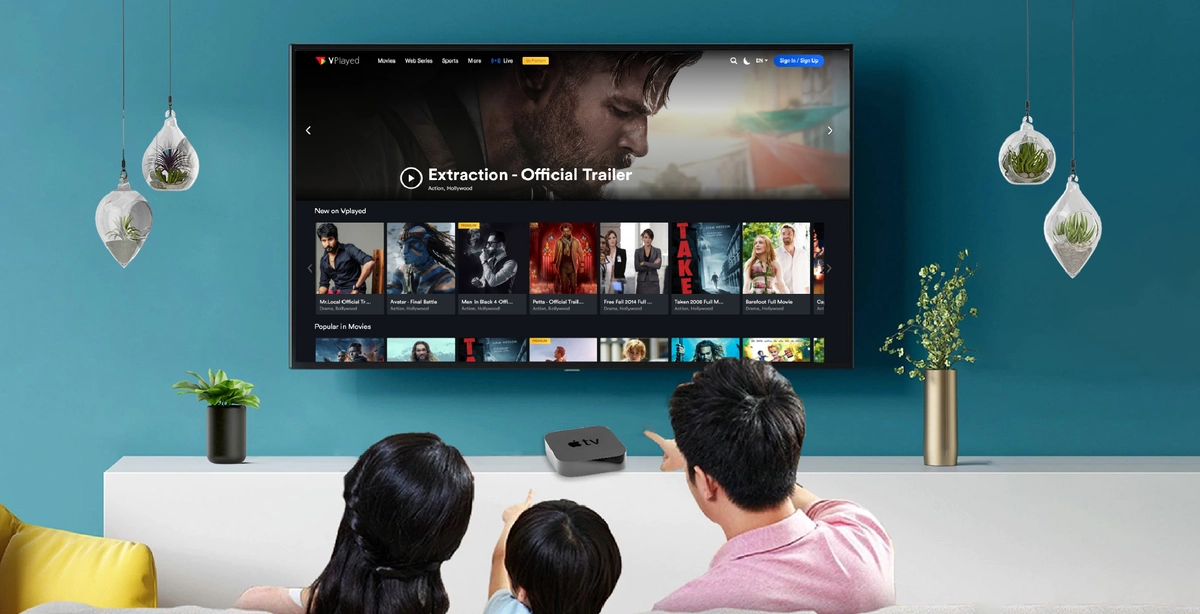
IPTV delivers television over your internet connection instead of an antenna, cable or satellite dish. This guide explains how it works, what you need to get started and the points worth checking before you commit to anything.
How IPTV works
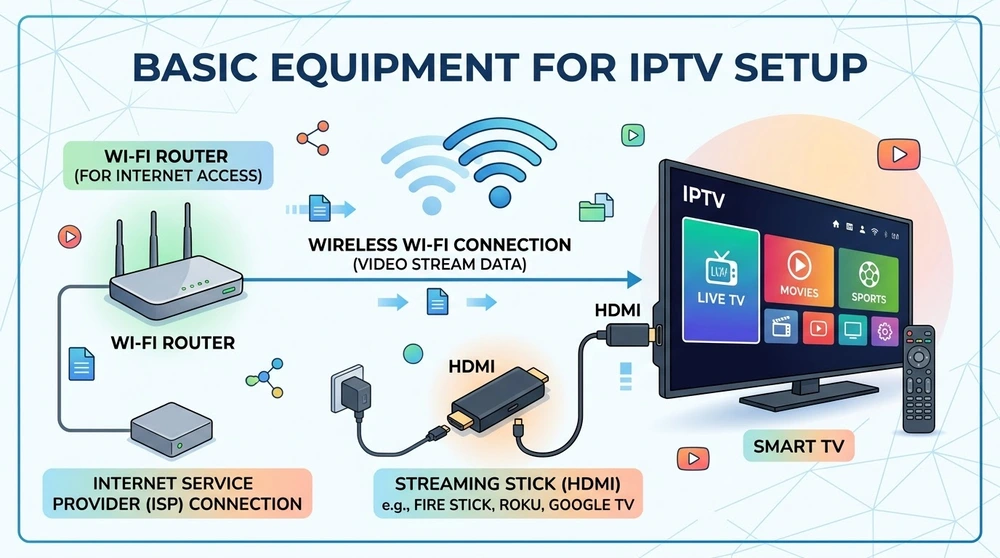
IPTV stands for Internet Protocol Television. "Internet Protocol" is simply the address system the internet uses, so IPTV means television channels delivered as data streams over a network.
In practice a provider hosts the channels and gives you access in one of two ways:
- A playlist link or file, usually an M3U playlist, that lists every channel and stream address.
- An Xtream-style login with a server address, username and password that an app uses to request the same information.
A player app reads that access information and turns it into a channel list, and often a programme guide, on your device. IPTV Smarters and TiviMate are two of the most widely used players.
What you need
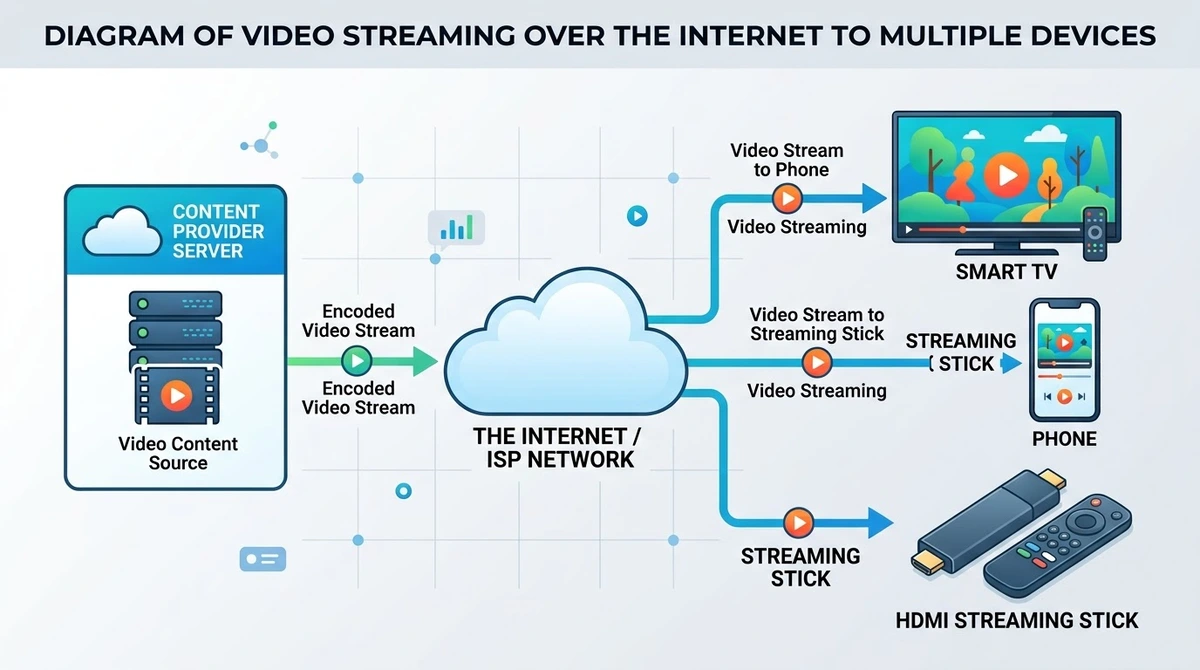
- A device: a smart TV, a streaming stick such as an Amazon Firestick, an Android TV box, or even a computer or phone.
- A player app: a free or paid app that loads playlists, such as IPTV Smarters or TiviMate.
- A source: the playlist or login details, usually supplied by an IPTV provider.
- A connection: a stable internet link with enough bandwidth, discussed below.
IPTV vs streaming apps
Services like Netflix deliver on-demand content from a single company with a fixed catalogue. IPTV normally delivers live channels through a playlist that you load into a player. Your channel list can change when the provider updates it, and the guide usually shows a schedule similar to traditional TV.
Internet speed
Streaming quality depends on bandwidth. As a rough guide, standard definition needs about 5 Mbps, HD about 10 Mbps and 4K 25 Mbps or more per stream. Wi-Fi quality and other devices on the network change the picture, so see the full speed guide for realistic numbers.
What to watch out for
- Check the rights: the technology is neutral, but a service is only legitimate if it holds the rights to the channels it delivers.
- Protect your details: a playlist link often contains your credentials, so treat it like a password.
- Expect variance: quality and reliability differ between providers, so look for trial access and reviews before committing.
- Know the fixes: most playback problems are solvable; see the buffering guide.
Frequently asked questions
Is IPTV legal?
The technology is neutral. Whether a service is legal depends on whether it has the rights to the channels it delivers, so check what a provider actually offers.
Do I need a special TV for IPTV?
No. Any TV with a smart platform or a streaming stick can run an IPTV player, and computers and phones work too.
Is IPTV the same as Netflix?
No. Netflix delivers on-demand content from one company. IPTV usually delivers live channels through a playlist you load into a player app.